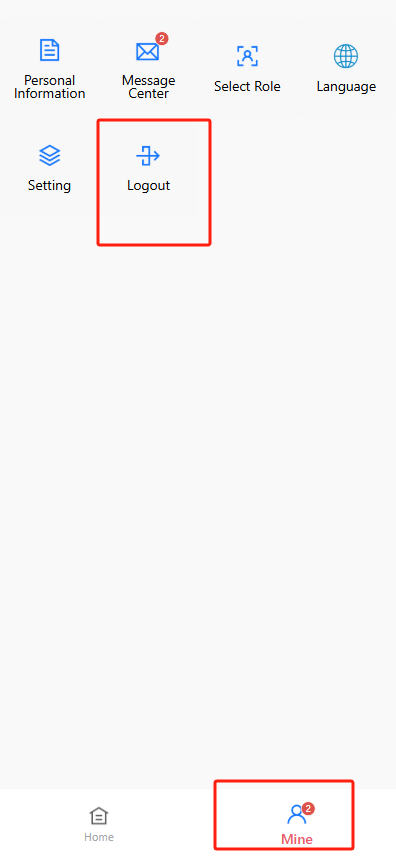
使用者登入(User Login)
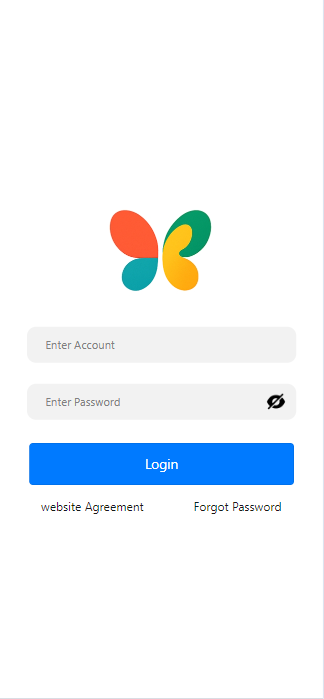
- 使用者需前往登入入口:
https://h5.preschools.top/,輸入 手機號碼 和 密碼 進行登入。
注意: a. 輸入密碼時,請確認 Caps Lock 已關閉; b. 系統不提供外部註冊功能,幼稚園需事先將家長與員工的手機號碼匯入系統。
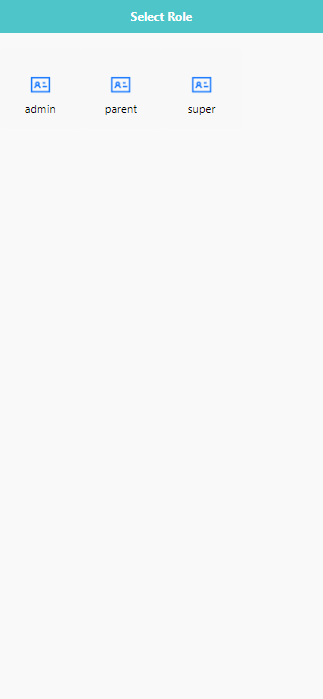
- 登入後,請選擇對應的角色,例如 [admin], [parent], [teacher]等。 不同角色擁有不同功能權限。若需授權角色權限,可前往 [權限控制(Permission Control)] > [使用者與角色(User & Role)] 進行管理。
3.避免在公共裝置上登入,若無法登入,請檢查網路連線或嘗試重設密碼。
🔓 登出(Logging Out)
安全登出帳號步驟如下:
- 點擊畫面下方的【我的(Mine)】分頁;
- 從選單中選擇 【登出(Logout)】;
- 系統將立即登出並返回登入頁面。
小提示:每次使用完畢後,尤其在共享或公共裝置上,建議務必登出。